
Code block parameters
Code block parameters customize how a block behaves. They go on the fence declaration line, separated by spaces or semicolons:
```js hide; noSave;Hide code
Collapses the block to its badge line in live preview — the runner (play/clear/output) keeps working, and clicking the badge reveals the source for editing. Exports also hide the code while keeping the result in place.
```js hide;
console.log("Hello");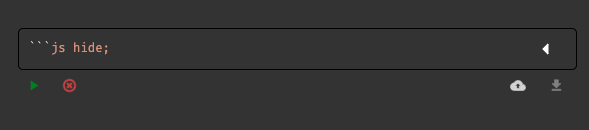
Persist results — save / noSave
Override the "Persist code block results" setting per block:
save;— always write the result into the notenoSave;— never persist this block's result
```js noSave;
console.log("ephemeral");
Global scope
global makes a code block's variables and functions accessible to other blocks.
```js global;
const url = "http://mywebsite/";
Preload code
preload runs the code once before all other blocks — useful to fetch data or initialize variables up front, and to prevent API overload when several blocks share the same call.
```js preload;
data = webApi(url);
Load a block
Name a block with blockName=, then load its content (JSON, CSV, any format) from a script with loadBlock:
```json blockName=json
{
  "name": "Anthony",
  "application": "Znote"
}
```

```js
const result = loadBlock("json");
print(result);
```
Prevent execution
noRun;— the block is never executed (documentation, code examples).
Frontend scripts
scripts=name1,name2 injects declared external JS scripts into the block.
Magic comments
Run with Node.js
Executes the code block as a Node.js child process, like node myscript.js:
//exec: nodeYou can also point at a specific Node.js installation:
//exec: /usr/local/bin/node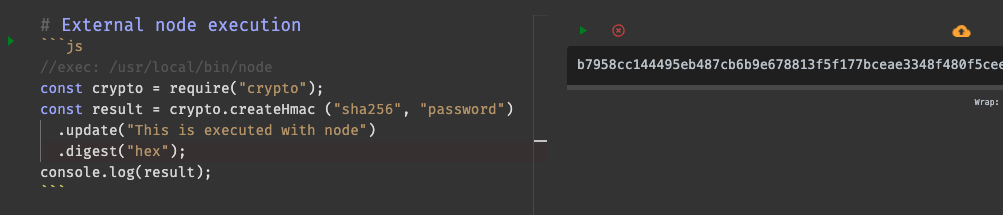
🛠 By default, Znote uses the global Node.js installation configured in Settings.