Custom functions
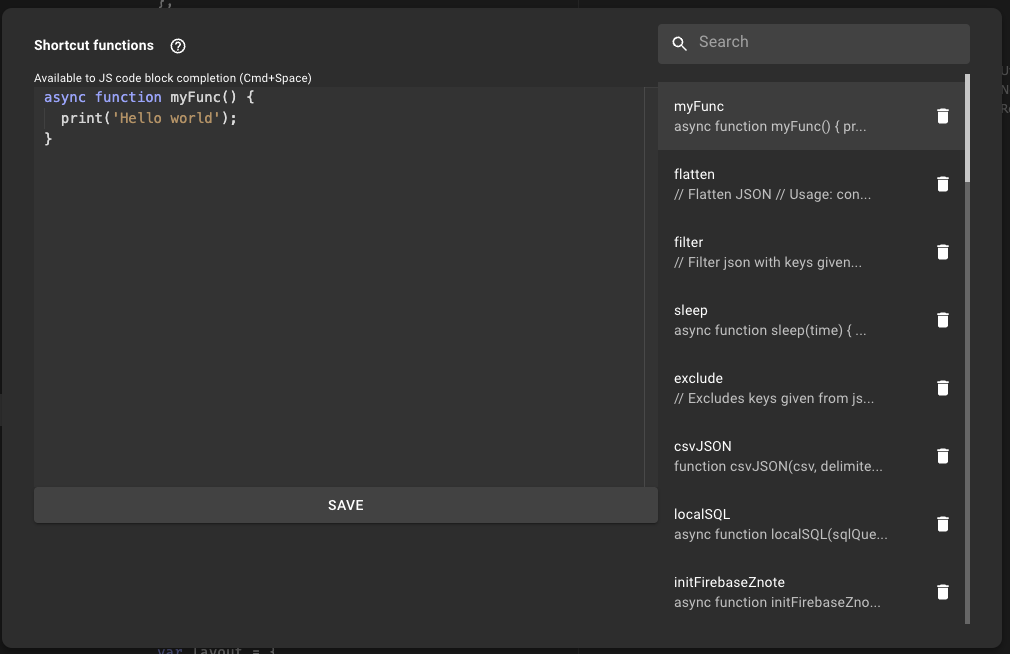
The Custom Functions dialog lets you create reusable utility functions that become available through code completion in every note.
How it works
- Open the Custom Functions dialog.
- Create a new function, or modify an existing one.
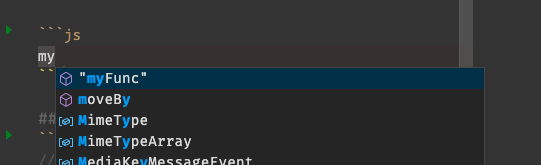
- Call your function using autocomplete (Ctrl+Space) in any code block.
TIP
Install available plugins to get pre-built functions — you can also edit and copy installed ones to suit your needs.
Creating a function
Using code completion